
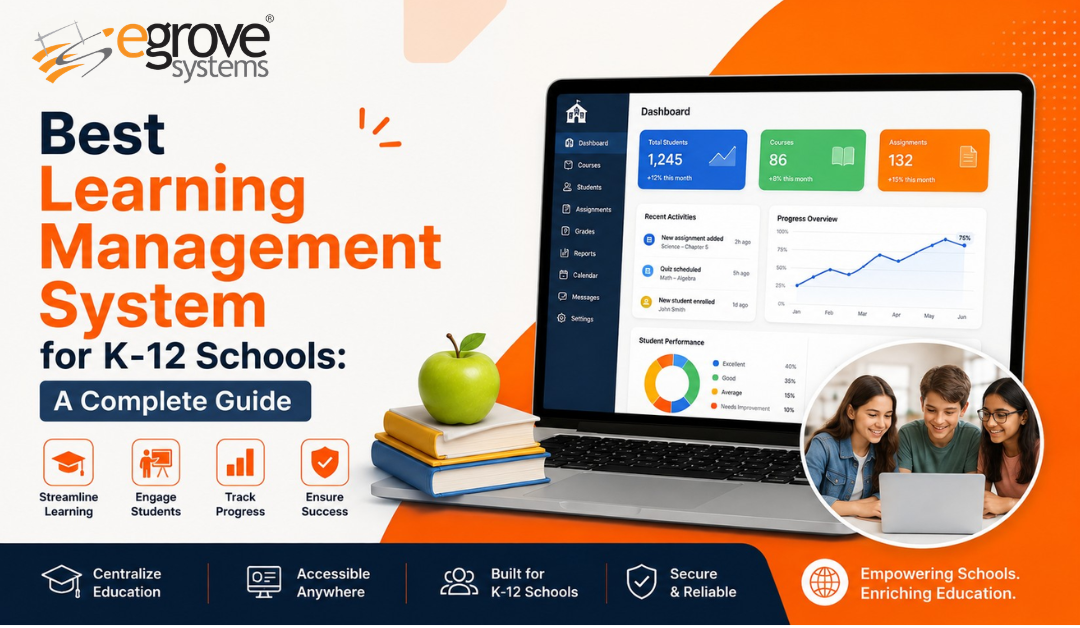
Choosing a learning management system for a K-12 school or district is not the same task as choosing one for a corporate training team or a university. K-12 buyers have to satisfy a much wider set of stakeholders at once: teachers who need fast, low-friction tools for daily instruction, IT directors who need airtight data privacy and single sign-on, parents who want visibility into grades and attendance, and administrators who need everything to roll up into district-level reporting.
This guide walks through what actually matters when evaluating a K-12 LMS, compares the platforms schools rely on most in 2026, and outlines a practical process for making the decision without dragging it out for a full semester.
Why the K-12 LMS Decision Is Different
A K-12 learning management system has to work for a six-year-old learning to read and a high school senior taking AP Calculus, often within the same district and sometimes within the same building. That range drives most of the complexity in this market.
Districts are also rarely starting from a blank slate. Most already run a student information system (SIS) for enrollment and grading, a separate communication tool for parents, and a handful of subject-specific apps for things like special education, English language learner support, or gifted programs. A learning management system that can’t integrate with these existing systems creates data silos, manual workarounds, and frustrated staff. The strongest AI Powered K-12 platforms are built around open standards like OneRoster and LTI specifically so they can slot into that existing ecosystem rather than replace it.
Finally, K-12 software has to satisfy compliance requirements that simply don’t apply in other markets, including FERPA, COPPA, and, in many states, additional student data privacy laws. That’s not a checkbox exercise; it shapes how the platform handles authentication, data retention, and third-party integrations from the ground up.
Key Features to Evaluate
Before comparing specific products, it helps to have a checklist of what “good” looks like in a K-12 context.
Ease of use for teachers and young students
Teachers already have limited planning time, and a platform that requires extensive training to post an assignment will get abandoned. For younger grades, the interface needs to be simple enough for a student to navigate with minimal reading, which is part of why elementary schools often gravitate toward visually driven tools rather than text-heavy ones.
Standards-aligned content and assessment
The system should support building assignments and assessments tied to state or Common Core standards, with a gradebook that can handle weighted categories, rubrics, and custom grading scales, since most districts don’t use a single uniform grading model across every school.
Parent and guardian visibility
Real-time access to grades, attendance, and announcements is now treated as table stakes rather than a premium feature. Parent portals reduce the volume of “what’s my child’s grade” emails teachers field and tend to improve engagement simply because families can see problems as they develop instead of at report card time.
Interoperability and single sign-on
The LMS should connect cleanly with the district’s SIS, support rostering standards like OneRoster, and offer LTI integrations for the other instructional tools teachers already use. Single sign-on through Google or Microsoft accounts also matters enormously at the elementary level, where asking a seven-year-old to manage a separate username and password is a recipe for lost class time.
Mobile and offline access
Not every student has reliable home internet, so the ability to download materials, submit work offline, and sync once connectivity returns is a meaningful equity feature, not a nice-to-have.
Data privacy and security
Look for explicit FERPA and COPPA compliance, role-based permissions, and clear documentation on how student data is stored and who can access it. This is worth confirming directly with the vendor rather than assuming from marketing copy.
District-level analytics
Beyond the individual classroom, administrators need visibility into engagement and performance trends across schools, ideally with the ability to flag students who may be falling behind before it shows up in a report card.
Top K-12 LMS Platforms Compared
Traditional learning differs significantly from LMS-based education. Here’s how the leading platforms used by schools and districts in 2026 compare.
Google Classroom remains the default choice for districts already running Google Workspace for Education, largely because it’s free and integrates directly with the Workspace tools teachers already use. It’s lightweight and easy to adopt, though it leans more toward assignment distribution than deep standards-based assessment, which means larger districts often pair it with a separate gradebook or SIS.
Canvas K-12 is a strong fit for districts that want more robust course-building and analytics than Google Classroom offers, without the complexity of an enterprise platform built primarily for higher education. It has become one of the two dominant options in the market alongside Google Classroom.
Schoology is built specifically around K-12 workflows, with strong support for standards-based grading, assessments, and district-wide reporting, making it a common choice for mid-size and large districts that need more structure than Google Classroom provides.
Microsoft Teams for Education is the natural fit for districts standardized on Microsoft 365, combining assignment management with the video conferencing and collaboration tools already familiar to staff.
Seesaw is purpose-built for elementary classrooms, with a portfolio-style interface that lets young students submit work through drawing, recording, and photos rather than typing, and it’s widely used specifically for that early-grades use case.
Moodle is the open-source option, and it’s popular with districts that want deep customization and control over hosting. It offers comprehensive assessment and grading tools, mobile and offline access, and support for SCORM, AICC, and IMS standards, though it typically requires more in-house technical capacity to configure and maintain than the SaaS alternatives.
Blackboard Learn shows up less often in pure K-12 deployments but is worth knowing about because it’s particularly strong on analytics and assessment reporting, which makes it a fit for districts with more sophisticated data needs, alongside its longstanding use in higher education.
Edmodo built its reputation as a collaboration-focused platform for K-12, with a large existing user base among teachers who value its social, classroom-community feel over heavier administrative features.
No single platform wins on every criterion. Google Classroom and Microsoft Teams for Education tend to win on ease of adoption for districts already inside those ecosystems; Canvas and Schoology tend to win on depth of gradebook and assessment functionality; Seesaw wins for early elementary; and Moodle wins for districts that want full control and have the IT staff to support it.
Class2Learn: An AI-Enabled Option for Tutoring and Test Prep
Most of the platforms above are built for whole-classroom instruction, but districts and families increasingly need to fill a related gap: personalized tutoring and test preparation that goes beyond what a general classroom LMS is designed to do. Class2Learn, built by eGrove Systems, is a K-12 platform focused specifically on that use case, and it’s worth understanding separately from the district-wide LMS decision above rather than as a straight substitute for it.
Class2Learn centers on live, interactive sessions designed to mirror a traditional classroom rather than a passive video lesson, offered through both one-on-one private classes and instructor-led group classes. Students can pair that live instruction with self-paced learning and recorded instructional videos, giving them a way to revisit concepts independently between sessions. For assessment, the platform uses adaptive math tests for grades 5 through 12 that adjust question difficulty in real time based on how a student is answering, alongside dedicated SAT and ACT preparation tracks. Ongoing student progress tracking and quick doubt clarification are built in as well, so gaps in understanding get addressed as they come up rather than surfacing later at a test or report card.
On the access side, Class2Learn offers a mobile app and a separate parent portal login, giving families visibility into a child’s sessions and progress without needing to navigate the student-facing interface. The platform also lists 500+ background-verified instructors, a child protection policy, and a money-back guarantee, which address two of the questions that come up most often when evaluating any platform working directly with young students.
Where a platform like Canvas or Schoology manages the day-to-day mechanics of a classroom, Class2Learn is better understood as a complement to that infrastructure: a way to layer personalized instruction, test prep, and performance tracking on top of core coursework, whether that’s deployed by a school on a B2B basis or accessed directly by families.
How to Run the Selection Process
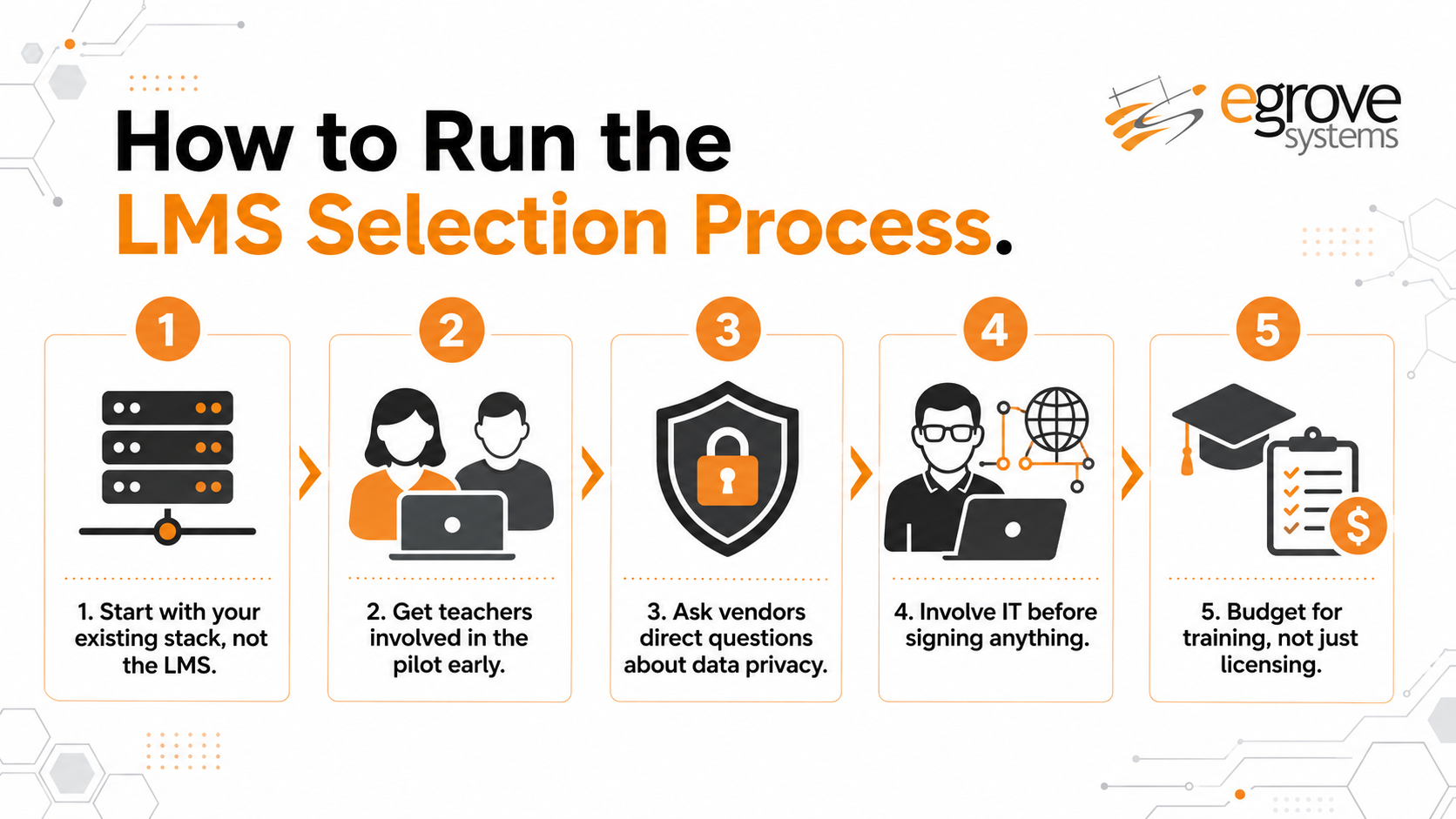
Start with your existing stack, not the LMS. Map out your current SIS, communication tools, and any subject-specific software before you start demos. This tells you which integration requirements are non-negotiable and immediately narrows the field.
Get teachers into the pilot early. A platform that looks impressive in a sales demo can still fail in a real classroom if it adds friction to daily tasks like posting an assignment or entering grades. Run a short pilot with a handful of teachers across different grade levels before committing district-wide.
Ask vendors direct questions about data privacy. Request specifics on FERPA and COPPA compliance, data retention policies, and what happens to student data if the contract ends. Vague answers here are a warning sign.
Involve IT before signing anything. Confirm single sign-on compatibility, rostering standards support, and what implementation and ongoing support actually looks like, including who is responsible for troubleshooting issues once the school year is underway.
Budget for training, not just licensing. The platforms that fail to gain adoption usually aren’t bad products, they’re products rolled out without enough teacher training and ongoing support in the first semester.
Conclusion
Selecting the right LMS is essential for improving learner engagement, course completion, and educational outcomes. eGrove Systems helps educational institutions and training organizations move beyond off the shelf limitations through custom LMS development, Moodle integration, scalable architecture, and immersive course content development. Its solutions are tailored to each organization’s learning goals, technical environment, and growth requirements.
With extensive experience in custom software, cloud engineering, accessibility compliance, mobile applications, and ongoing technical support, eGrove Systems can manage the complete LMS journey from strategy and development to deployment, optimization, and maintenance. Organizations seeking a secure, engaging, and future ready learning platform can partner with eGrove Systems to build an LMS that improves learner retention, reduces training costs, and delivers measurable long term value.