

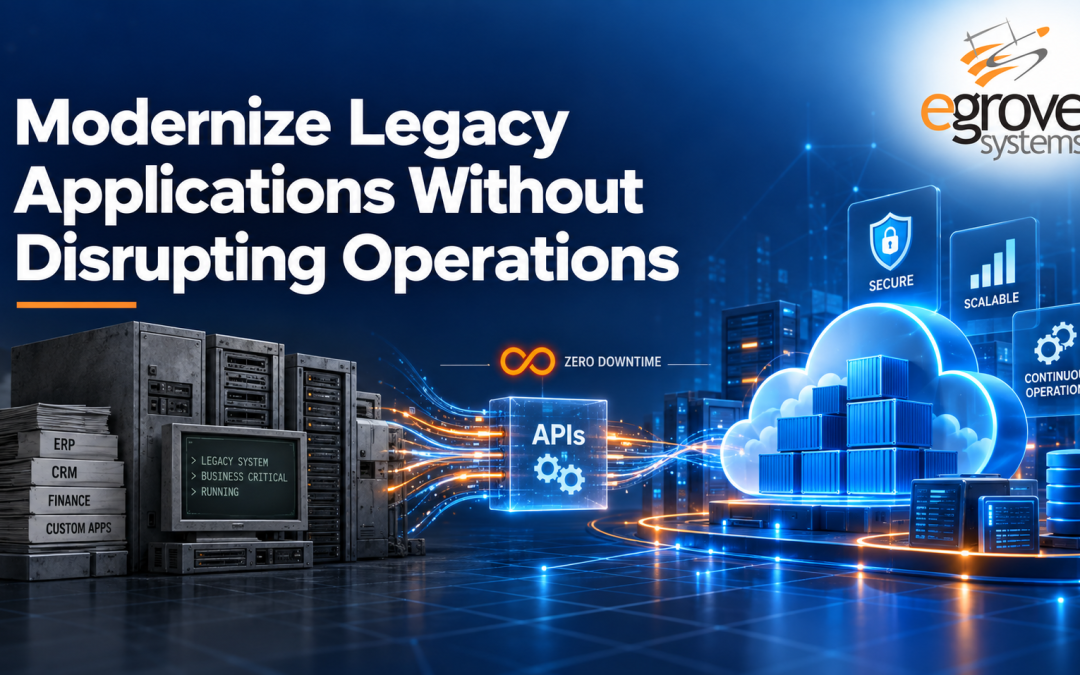
Legacy applications often remain at the center of critical business operations, supporting customer management, inventory, finance, order processing, reporting, or internal workflows. These systems can continue performing essential functions for years, but aging technology eventually creates challenges around scalability, security, integration, maintenance, and user experience.
The real challenge isn’t recognizing that a system needs updating. It’s that replacing a legacy application all at once can introduce significant operational risk. Businesses cannot afford extended downtime, interrupted customer experiences, lost data, or disrupted employee workflows. That’s why legacy application modernization works best as a controlled transformation rather than a sudden replacement, built around careful assessment, phased implementation, testing, and migration.
What Is Legacy Application Modernization?
Legacy application modernization is the process of updating existing software systems, architecture, infrastructure, or functionality to meet current business and technology requirements. Depending on the application, this can involve migrating to cloud infrastructure, updating outdated languages or frameworks, modernizing application architecture, replacing legacy interfaces, developing APIs for integration, improving security, automating manual processes, or moving from monolithic systems toward modular, microservices-based architectures.
Modernization doesn’t necessarily mean rebuilding an application from scratch. The right approach depends on the condition of the existing system, business objectives, technical dependencies, budget, and operational risk tolerance.
Why Businesses Need to Modernize Legacy Applications
A legacy system may still work, but maintaining it tends to become more difficult and pricier over time.
Rising maintenance costs. Older applications often require specialized knowledge, outdated infrastructure, and significant manual upkeep. As technologies become unsupported, finding developers with the right expertise gets harder and pricier.
Limited scalability. Applications originally built for smaller workloads tend to struggle as transaction volumes, user counts, data, or business locations grow.
Integration challenges. Modern businesses depend on interconnected ecosystems spanning CRM, ERP, e-commerce, mobile apps, analytics, payments, and third-party services. Legacy systems often lack the modern APIs needed to exchange data cleanly with these tools.
Security and compliance risk. Unsupported software, outdated libraries, and older security mechanisms expose organizations to unnecessary vulnerabilities that modern authentication, encryption, and monitoring practices are built to close.
Poor user experience. Employees and customers increasingly expect applications to be fast, responsive, and accessible across devices. Modernizing the front end can meaningfully improve usability without necessarily touching the entire back end.
Worth knowing: Gartner has estimated that organizations lose roughly 20 to 25 percent of annual revenue to inefficiencies tied to outdated legacy systems and processes, a figure that puts the cost of delay in concrete terms rather than abstract risk.
The Real Question: How Do You Modernize Without Disrupting Operations?
One of the biggest mistakes organizations make is treating modernization as a single, large replacement project. A complete cutover from an old application to a new platform tends to increase operational risk rather than reduce it.
A phased modernization strategy, where existing and modernized components temporarily operate side by side, works better. It makes it possible to test new functionality, migrate data gradually, validate performance, and resolve issues before retiring legacy components entirely.
Start With a Complete Assessment
Modernization should begin with a clear picture of the existing environment: architecture, languages and frameworks, databases, infrastructure, integrations, security vulnerabilities, performance, and the business-critical workflows that depend on all of it. It’s equally important to identify which parts of the system carry the most operational risk. An outdated reporting module, for instance, is usually a safer starting point than a transaction-processing component customers rely on continuously. The assessment is what tells you where modernization delivers the most value at the lowest risk.
Choose the Right Modernization Strategy
Not every legacy application needs the same treatment. Depending on what the assessment reveals, that might mean:
- Rehosting—moving the application to modern infrastructure, such as the cloud, with minimal code changes
- Replatforming—moving to a newer platform while making targeted improvements to performance or manageability
- Refactoring—redesigning parts of the existing code while preserving core functionality
- Rearchitecting—redesigning the underlying architecture, often by separating tightly coupled components into independent services
- Rebuilding—using modern technologies to rebuild an application that can no longer support current requirements
- Replacing—swapping a custom legacy system for an existing SaaS or enterprise platform when that’s more practical than continued maintenance
The right choice comes down to business value, technical complexity, cost, and long-term requirements rather than which approach is trending.
Modernize in Phases
Dividing the work into stages, rather than replacing the entire application at once, is what keeps operations running throughout the transition:
- Assessment and planning—document the existing application, dependencies, risks, and roadmap
- Infrastructure modernization—move suitable workloads to modern cloud or hybrid infrastructure
- Integration modernization—introduce APIs that let legacy and modern components exchange data
- Application modernization—refactor or rebuild selected components
- Data migration—gradually migrate and validate data while keeping systems synchronized
- Legacy system retirement—decommission legacy components once the modernized environment is fully validated
Use APIs to Bridge Legacy and Modern Systems
APIs make gradual modernization possible. Rather than immediately replacing a legacy back end, businesses can build an API layer that exposes selected functionality to newer applications, such as a modern web portal, a mobile app, a new customer dashboard, or an analytics platform, while the existing system keeps running underneath. This lets new digital capabilities go live without forcing every component behind them to be replaced first.
Protect Data During Migration
Before migration begins, teams should identify data sources, formats, duplicate records, missing information, dependencies, and retention and security requirements. Data should be cleaned, mapped, migrated, and validated systematically, and for critical applications, it’s often worth maintaining temporary synchronization between legacy and modern databases until the new environment is thoroughly verified. Backups and rollback procedures should be in place before any major migration activity.
Run Parallel Operations During Critical Transitions
For business-critical applications, switching immediately from the legacy system to the new one can introduce unnecessary risk. Running both environments in parallel for a defined period, and comparing transaction results, performance, data accuracy, and reporting output between them, provides a safety net. Once the new application consistently performs as expected, traffic can gradually shift away from the legacy environment.
Automate Testing Throughout, Not Just at the End
Testing shouldn’t be saved for the final stage of a modernization project. Functional, regression, integration, API, performance, and security testing should run throughout development and migration, with regression testing carrying particular weight since modernization shouldn’t unintentionally change existing business-critical behavior. Automated CI/CD pipelines also make it easier to release smaller, more frequent updates rather than one large, risky deployment.
Build a Rollback and Continuity Plan
Even well-planned modernization projects hit unexpected issues. Before deploying significant changes, define when a rollback should be triggered, how the previous environment gets restored, how data stays synchronized in the meantime, who makes the call, and how employees and customers are informed. Tested backups and recovery procedures are what limit the impact when something doesn’t go as planned.
Prepare Employees Before Major Changes
Technology modernization can fail on the people side even when it succeeds on the technical side. Employees need to understand what’s changing, why, how their workflows will be affected, when new functionality goes live, and where to get help. Training, documentation, sandbox environments, and pilot deployments with real user feedback all help surface usability issues before a full rollout.
Mistakes That Undermine Modernization Efforts
Successful modernization is as much about avoiding unnecessary risk as it is about adopting new technology. The recurring mistakes worth watching for: attempting a complete replacement without sufficient assessment, migrating large volumes of data without validation, ignoring hidden dependencies between applications, modernizing technology without understanding the business workflows behind it, delaying security testing until deployment, skipping rollback planning, releasing major changes without user testing, and retiring legacy systems before the new environment is fully validated. A modernization roadmap should balance innovation with business continuity at every stage, not just on paper.
How eGrove Systems Supports Legacy Modernization
Modernizing a legacy application draws on expertise across software development, cloud infrastructure, system integration, data migration, security, and quality assurance. eGrove Systems helps businesses evaluate existing applications and build modernization strategies aligned with their operational and technology requirements through software solutions spanning application assessment and architecture modernization, custom software development, cloud migration, API development and system integration, UI/UX modernization, database and data migration, security improvements, performance optimization, and ongoing testing and support. Rather than forcing a disruptive system replacement, modernization gets planned around existing operations and implemented progressively.
Legacy technology doesn’t need to be replaced overnight. Connect with eGrove Systems to build a modernization roadmap designed around your existing operations, business priorities, and future technology needs.